Create S3 Bucket for Frontend
Create an S3 Bucket to Store the Frontend
ℹ️ Objective
- Amazon S3 (Simple Storage Service) is an object storage service that offers scalability, high durability, and low cost.
- We will use S3 to store all the static files of our frontend application (HTML, CSS, JavaScript, images).
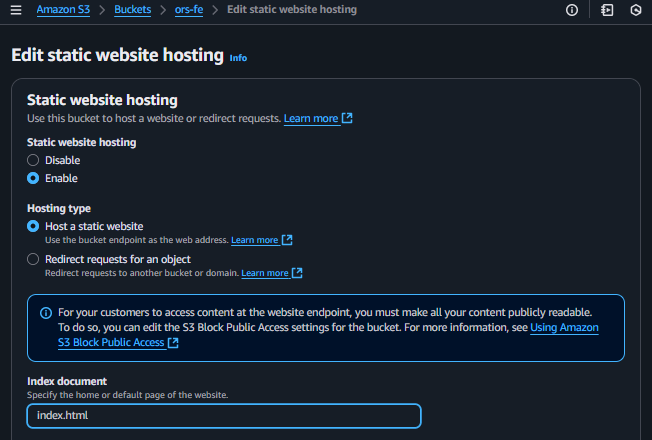
- Afterward, we will configure this bucket to function as a Static Website Hosting server.
🔒 Steps to Follow
1. Start Creating the S3 Bucket
- In the AWS Management Console, search for and select the S3 service.
- Click on Create bucket.
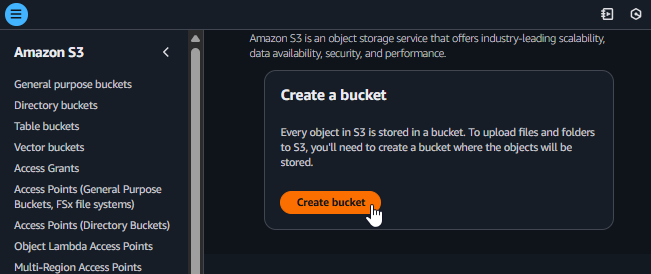
Start creating an S3 Bucket
2. Configure the Bucket
Bucket name:
ors-feS3 bucket names are globally unique. If the name `ors-fe` is already in use, you will need to add characters or numbers to make it unique (e.g., `ors-fe-haminhtri-0309`).AWS Region: Choose the region you are working in.
Block Public Access settings for this bucket:
- Check the box for Block all public access.
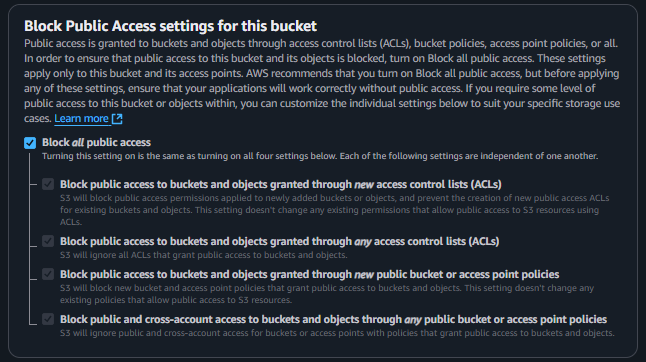
Block public access for the bucket
- Bucket Versioning: Select
Enable. - Scroll down and click Create bucket.
3. Upload Frontend Files to the Bucket
- After the bucket is created successfully, go into the
ors-febucket. - Click Upload and upload all the files and folders of your frontend project.
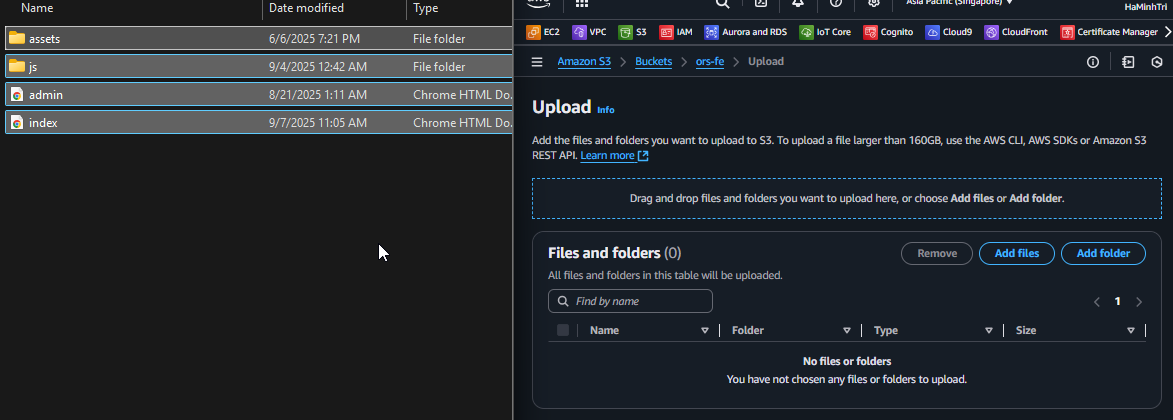
Upload Frontend files to S3
4. Configure Static Website Hosting
- In the
ors-febucket, switch to the Properties tab. - Scroll to the bottom to the Static website hosting section and click Edit.
- Select Enable.
- Index document:
index.html - Click Save changes.