Connect, Install, and Deploy
Detailed Guide to Commands on MobaXterm
In this section, you will execute commands to connect to the ors-ec2 server, then install the environment and deploy the Node.js backend application.
Note: The commands must be executed sequentially. Ensure you have completed the previous step before moving on to the next.
1. Connect to the EC2 Instance
This is the first step, connecting from your computer to the ors-ec2 server in the Public Subnet.
- Open MobaXterm and create a new SSH session.
- Remote host: Enter the Public IPv4 address of
ors-ec2(you can get this from the EC2 Dashboard). - Specify username:
ec2-user. - Use private key: Select the
ors-keypair.pemfile you downloaded. - Set permissions for the key file (if using Terminal on macOS/Linux):
Before connecting, you need to run this command on your personal computer to secure the key file:
chmod 400 ors-keypair.pem
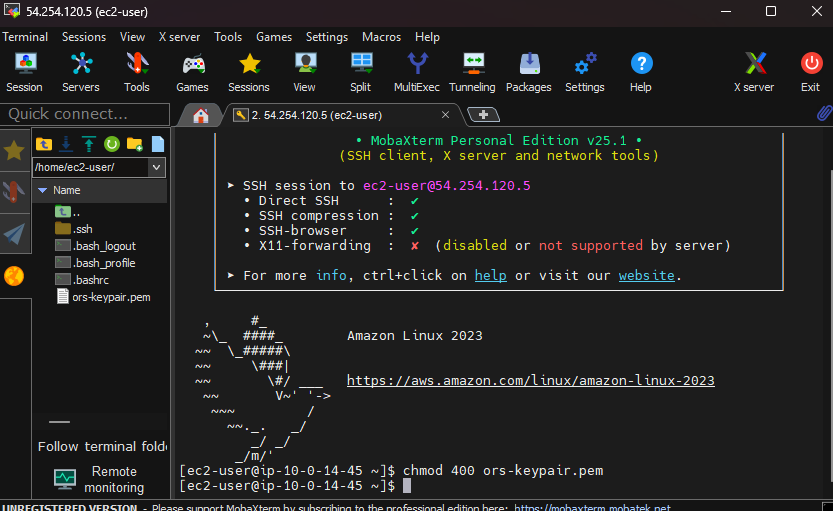
Setting up the SSH session in MobaXterm
2. Install the Environment on the Server
Once successfully connected to the server, install the necessary tools.
Update the system:
sudo yum update -y
Updating system packages
Install Git:
sudo yum install -y gitClone the project source code from GitHub:
git clone https://github.com/tuilatri/online-restaurant-system.git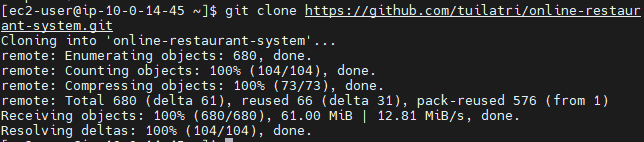
Cloning the project
Move into the backend directory:
cd online-restaurant-system/backendInstall Node.js and npm:
sudo dnf install -y nodejs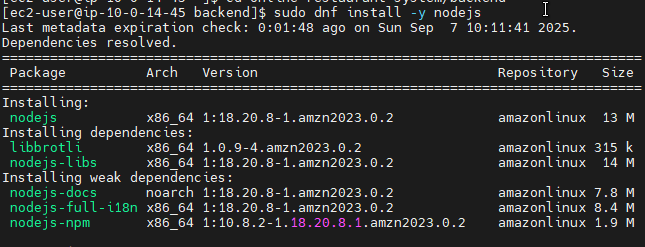
Installing Node.js
Check the versions to confirm successful installation:
node -v
npm -v
3. Install and Configure the Application
Install the project’s dependencies:
npm install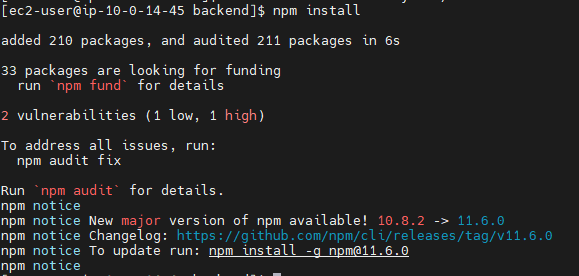
Installing npm packages
Move into the
srcdirectory and create the environment variable configuration file:cd src nano .envEnter the database connection information: In the
nanoeditor, paste the following content and replace it with your information.DB_HOST='your-rds-endpoint' DB_USER='admin' DB_PASSWORD='your-db-password' DB_DATABASE='ors' DB_PORT=3306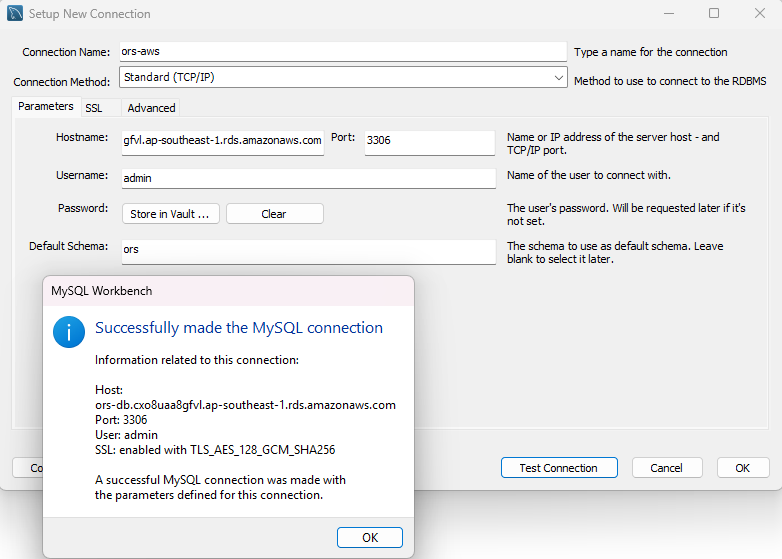
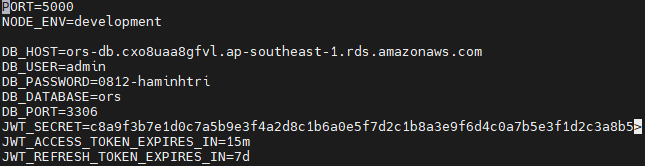
Configuring the .env file
Save and exit
nano:- Press
Ctrl + O - Press
Enterto confirm the file name. - Press
Ctrl + Xto exit.
- Press
4. Launch and Test the Backend
Launch the application:
node createAdmin.js
node server.js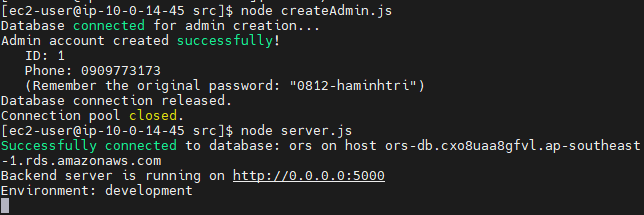
Backend application running on port 5000
Test the application’s operation directly on the server: Open a new terminal window in MobaXterm and connect to the same EC2 instance again, then use the
curlcommand to test.curl http://127.0.0.1:5000/apiIf you receive the response
Welcome to Dining Verse Backend API!, it means the application has started successfully!
5. Troubleshooting Guide
If you update the code on GitHub but the changes do not appear on the web, follow these steps on the server:
Move into the backend directory:
cd online-restaurant-system/backendPull the latest code:
git pull origin mainFind the running Node.js process:
ps aux | grep nodeStop the old process using its PID:
kill -9 <PID>Practical example:
[ec2-user@ip-10-0-144-101 backend]$ ps aux | grep node
ec2-user    3117  0.0  6.6 1127836 64896 pts/1   Sl+   10:15   0:00 node server.js

[ec2-user@ip-10-0-144-101 backend]$ kill -9 3117
Restart the application:
npm run start